Your browser broke.
Start with the facts.
Practical, reversible steps for website errors, sign-in loops, intrusive notifications and confusing browser updates. Choose a symptom, find the cause, keep control of your settings.
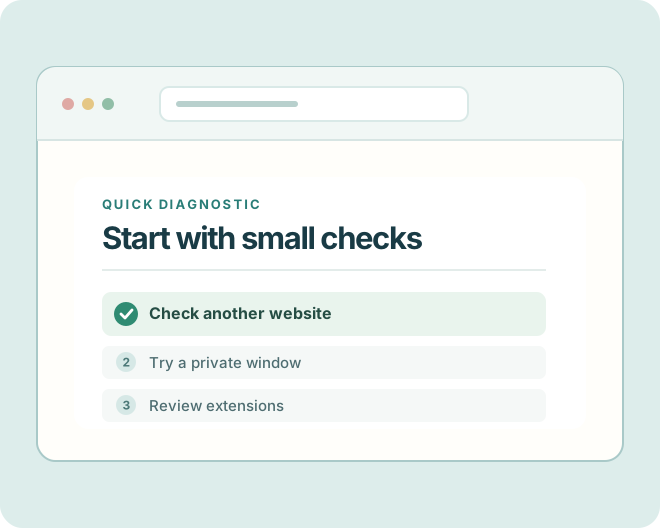
Observe the symptom → Compare a clean state → Change one thing → Verify the result
What is going wrong?
Choose the failure you can actually observe, not a guessed cause.
One website will not load: isolate the fault before clearing everything
A decision path for when most of the web works but one page times out, stays white, or displays an error.
Start with one-site versus all-sites comparison Connection & accessNo websites load: separate connection failure from a browser problem
A practical check sequence for blank tabs, connection errors, and browsers that appear offline.
Check the network before the browser Accounts & privacyFix a browser login loop without losing every saved session
How to diagnose endless sign-in prompts, redirects to login, and sessions that disappear.
Treat authentication and browser state separately Accounts & privacyCache vs cookies: what to clear, what to keep, and why
Choose the smallest possible cleanup for stale layouts, broken sessions, and unexpected site behavior.
Avoid all-data deletion as a first stepA better first step than “clear everything.”
Our Issue Pathfinder asks what failed and where. It then proposes lower-risk tests and points to the relevant guide. No account required; nothing is uploaded.
Solve the common problems
Focused articles with example cases, decision points, and references to browser vendors.
Find a faulty extension without deleting all your add-ons
A controlled way to isolate blockers, password managers, theme extensions, and script modifiers.
Change one extension at a time Performance & extensionsBrowser feels slow or memory-hungry: a practical triage plan
Distinguish a heavy webpage from too many tabs, a stuck extension, or a device resource problem.
Find the expensive workload first Connection & accessBrowser downloads blocked, missing, or silently failing
A safe investigation for files that never start, disappear, or show blocked-download warnings.
Do not disable malware warnings to force downloads Accounts & privacyCamera or microphone not working in browser meetings
Troubleshoot permission prompts, wrong input devices, and meeting tabs with no audio.
Check site, browser, system, and device separately Accounts & privacyStop unwanted website notifications without breaking useful alerts
Identify who sends a notification and remove the permission at the correct level.
Revoke permission at the sender, not globally Performance & extensionsVideo plays with no sound or keeps buffering
Separate sound-output problems, autoplay permissions, network speed, and extension interference.
Separate output routing from media loadingWhat changed, and what does it mean?
Verified context about browser updates. This is a dated editorial section, not a live release feed.
Chrome moved to a two-week release cycle in 2026: what users should know
A dated explainer separating Google’s release-schedule announcement from individual browser update availability.
Verified announcement; not a live version feed Release deskChrome release notes in November 2026: why channel labels matter
An example of reading official early Stable, Dev and mobile updates without misleading headlines.
Dated snapshot: verified 9 November 2026No panic headlines.
No invented fixes.
We differentiate official vendor documentation from our own reasoning, label dated release articles, and tell you when to stop rather than bypass a security warning.
Read our editorial method ↗